
Free vs paid streaming is mainly a tradeoff among price, advertising, catalog consistency, features, support, and account rules. Free services usually fund licensed viewing with ads and may rotate content more often. Paid subscriptions may offer broader features or fewer ads, but value depends on what you actually watch, which devices you own, and how clearly the provider explains renewals and cancellations.
“Free” does not mean unlicensed, and “paid” does not automatically mean better. Evaluate the operator, rights, terms, device support, and real household use instead of relying on the price label.
Table of Contents
Table of Contents
Free vs Paid Streaming at a Glance
| Point | Free streaming | Paid streaming |
|---|---|---|
| Advertising | Often frequent | Depends on the plan |
| Content | May be limited or rotate | Depends on provider rights |
| Support | Often limited or self-service | May include direct assistance |
| Account | May not be required | Usually required |
| Devices | Varies by app and region | Must be checked before purchase |
| Downloads | Uncommon | May be included by tier |
| Renewal risk | No charge if truly free | May auto-renew under disclosed terms |
| Privacy tradeoff | Advertising data may matter more | Payment and account data are collected |
This table describes common patterns, not universal rules. Some paid tiers contain ads, some public services require accounts, and some free services provide polished device support.
“Choose the model whose tradeoffs are visible, lawful, and useful in your household.”
What Free Streaming Really Means
A legitimate free service still has operating and licensing costs. It may be funded by advertising, a public institution, a manufacturer, a broadcaster, a limited promotional catalog, or a paid business that offers a free entry tier.
Common Free Models
- FAST: free ad-supported streaming television organized into scheduled channels.
- AVOD: ad-supported on-demand movies or programs.
- Public media: content funded through public, educational, or donor support.
- Promotional access: selected episodes, live events, or limited-time previews.
- Manufacturer channels: viewing included with a supported television or device ecosystem.
A site that claims to provide every premium channel for free without explaining rights, advertising, or funding is not equivalent to a recognized ad-supported service. Lack of a visible business model is a warning sign, not a bargain.
What a Paid Streaming Subscription Buys
A paid plan buys access under specific terms for a defined period. The fee may support content licensing, delivery infrastructure, app development, account management, customer service, and features such as downloads or additional simultaneous streams.
It does not guarantee that every title remains forever, that every event is available in every region, or that performance will be flawless on every connection. Rights expire, catalogs change, and technical delivery still depends on the full network path.
- Read the exact plan duration and renewal rule.
- Confirm the number of simultaneous streams.
- Check supported device models and operating systems.
- Review whether advertising remains in live or selected content.
- Understand cancellation and refund conditions before payment.
- Verify how technical support can be reached after purchase.
A transparent paid offer describes limits as clearly as benefits. Vague promises such as “every channel,” “zero buffering,” or “all sports included” should not replace documented terms.
Compare Advertising and Viewing Interruptions
Free ad-supported services typically insert commercial breaks because advertising pays for access. The number, length, relevance, and placement of those breaks vary by operator and content type.
Paid streaming is not always ad-free. Lower-priced paid tiers may include ads, and live events or linear feeds may retain broadcast commercials even under a premium plan.
| Question | Why it matters |
|---|---|
| How many ad breaks appear per hour? | Determines the interruption level |
| Can ads be skipped? | Affects control over viewing |
| Are children’s profiles treated differently? | Important for household suitability |
| Does “ad-free” exclude live content? | Prevents an incorrect expectation |
| Is ad personalization optional? | Affects privacy preferences |
Measure value by the actual experience, not the tier name. A low paid price with frequent ads may feel closer to free viewing, while a well-designed free service may be acceptable for occasional use.
Compare Catalog Depth and Content Stability
Free catalogs often emphasize older, licensed, niche, local, or rotating content. Paid catalogs may include current originals, premium rights, or broader on-demand libraries, but each service remains limited by its agreements.
Create a two-week viewing list before choosing. If most desired programs are available through a lawful free option, paying for a larger unused library adds little value.
- List ten programs, categories, or live needs the household actually uses.
- Check current availability through the operator’s official search.
- Verify regional restrictions and device support.
- Note whether each item is live, on demand, rented separately, or included.
- Repeat the check before an annual commitment because catalogs change.
Do not assume that a streaming player provides content because its interface displays empty categories. A player organizes authorized sources; content availability and rights come from the service attached to it.
Compare Picture Quality and Connection Requirements
Resolution labels describe a possible output, not a constant guarantee. The title, plan, device, display, cable, connection, and current delivery conditions must all support the desired format.
| Feature | Check before choosing |
|---|---|
| HD or 4K | Whether the tier and specific content include it |
| HDR | Compatible display, device, app, and title |
| Frame rate | Device decoder and live-feed format |
| Audio format | Plan, app, receiver, and connection support |
| Adaptive quality | How the app responds to unstable bandwidth |
The FCC lists approximate per-activity references of 5–8 Mbps for HD and 25 Mbps for 4K streaming. Add capacity for simultaneous devices and real-world variation rather than buying an internet tier based on one screen alone.
The internet speed guide explains how to convert simultaneous household activity into a realistic target.
Compare Device Compatibility
A service has little value if the main television cannot run its supported app. Check the exact model, operating-system version, app-store region, and input requirements.
- Smart TV: confirm model-year support and available storage.
- Streaming stick or box: verify resolution, HDR, and Ethernet options.
- Phone and tablet: check operating-system minimums and casting rules.
- Computer: confirm supported browsers and playback protections.
- Multiple screens: separate installed-device limits from simultaneous-stream limits.
Free and paid services can both discontinue support for older devices. An external player may extend a good television’s useful life, but it adds a remote, power requirement, and another software layer.
Follow the Smart TV setup guide before paying for a long plan. A short compatibility test is more reliable than an app icon shown on a marketing page.
Compare Privacy and Account Requirements
A service without a subscription fee can still collect viewing, device, location, or advertising data under its privacy policy. A paid service collects account and billing data and may also use viewing behavior for recommendations or ads.
Privacy Questions to Ask
- Can the service be used without creating an account?
- Which data is required and which is optional?
- Is viewing activity used for personalized advertising?
- Can recommendation history be reset or deleted?
- Are child or household profiles available?
- How can the account and stored data be deleted?
Install apps from official stores and review requested permissions. A television player should not need unrelated access such as contacts or precise mobile location unless a documented feature genuinely requires it.
Never share service credentials through public forums. Free access does not remove the need for account security.
Compare Support and Troubleshooting
Free services often rely on help centers, community forums, and automated diagnostics. Paid subscriptions may include email, chat, or phone support, but availability and response times differ.
| Support feature | Evidence to verify |
|---|---|
| Contact channel | Visible address, form, chat, or number |
| Operating hours | Published time zone and days |
| Setup help | Current device-specific instructions |
| Account help | Secure identity-verification process |
| Refund handling | Written eligibility and time limits |
| Service notices | Status page or documented incident updates |
Test the support page before purchase. A provider that explains setup, EPG, login, devices, trials, and refunds clearly reduces uncertainty even before a support request is opened.
Calculate Total Cost Instead of Monthly Price
Paid streaming costs include more than the advertised monthly fee. Add taxes, premium tiers, extra members, add-ons, hardware, internet upgrades, and any early-cancellation terms.
Free viewing can also have indirect costs, including time spent watching ads, buying a compatible device, or maintaining several apps to cover different needs.
Simple Annual Cost Formula
Annual cost = recurring fees + add-ons + hardware allocation + required connectivity changes − confirmed discounts.
Do not subtract a promotional saving unless the start and end dates are documented. Compare the price after the promotion because that is what the household may pay if it continues.
Monthly plans reduce commitment and make cancellation easier to test. Annual plans can lower the effective monthly price, but only when compatibility, support, content fit, and refund terms are already understood.
Use a Hybrid Streaming Strategy
Practical Case Study
A household watches local news, older movies, and one seasonal program. Instead of maintaining several paid subscriptions all year, it uses recognized free ad-supported services for routine viewing and adds one monthly paid subscription during the program’s season.
The family reviews renewal dates in a calendar and cancels unused services through official account pages. It keeps one external streaming device because the older Smart TV no longer receives every app update.
This approach does not maximize the number of available titles. It matches cost to actual use, keeps account management simple, and avoids paying annually for content watched during only a few months.
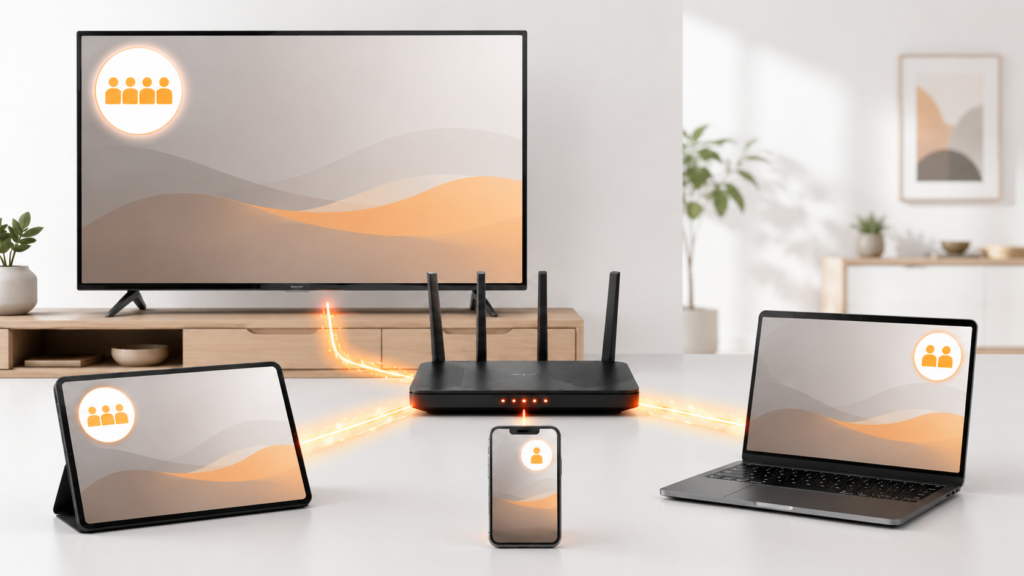
A hybrid strategy can also combine free on-demand viewing with a paid live TV subscription. The correct mix depends on rights, region, device compatibility, advertising tolerance, and the number of simultaneous viewers.
Red Flags in Free and Paid Offers
- Claims that every channel or event is available worldwide.
- No explanation of the operator or content rights.
- “Zero buffering” or “100% legal” used without verifiable evidence.
- Only irreversible payment methods and no written receipt.
- No privacy policy, terms, refund policy, or contact information.
- Instructions to disable device security or install an unknown modified app.
- Pressure to buy a long plan before testing compatibility.
A polished website is not proof of legitimacy. Verify the company information, official app listing, written terms, secure checkout, and support path.
Use free trials only when the renewal price, exact end time, cancellation method, and refund rules are visible. The FTC advises consumers to understand how to cancel and to keep a copy of cancellation requests.
Free vs Paid Streaming Decision Checklist
free vs paid streaming: Quick Reference
- List what the household actually watches.
- Verify lawful availability in the correct region.
- Check exact device and operating-system support.
- Compare ads, resolution, downloads, profiles, and simultaneous streams.
- Review privacy and account requirements.
- Confirm support channels and setup documentation.
- Calculate the full annual cost after promotions.
- Read trial, renewal, cancellation, and refund terms.
- Start with the shortest reasonable commitment.
- Review actual usage before renewing.
The best answer to free vs paid streaming is often a deliberate mix rather than one permanent model. Choose lawful services that work on the household’s devices, explain their terms clearly, and provide the specific content or features people will use.
Evaluate Accessibility and Household Usability
Price and catalog size do not describe whether a service is comfortable to use. Check captions, audio descriptions, language options, text size, contrast, remote navigation, screen-reader support, and the ability to reduce motion.
| Accessibility feature | Practical test |
|---|---|
| Closed captions | Check accuracy, size, color, and background |
| Audio description | Verify availability on expected titles |
| Remote navigation | Complete search and playback without a phone |
| Voice control | Test supported commands and privacy settings |
| Language options | Confirm audio and subtitles, not just interface language |
| Profiles and controls | Check age settings and purchase protection |
A free service that meets a viewer’s accessibility needs can deliver more value than a paid service with a larger catalog that is difficult to navigate. The same principle works in reverse.
Test accessibility on the primary television because features can differ between a browser, phone, and TV app.
Consider Offline Viewing and Data Caps
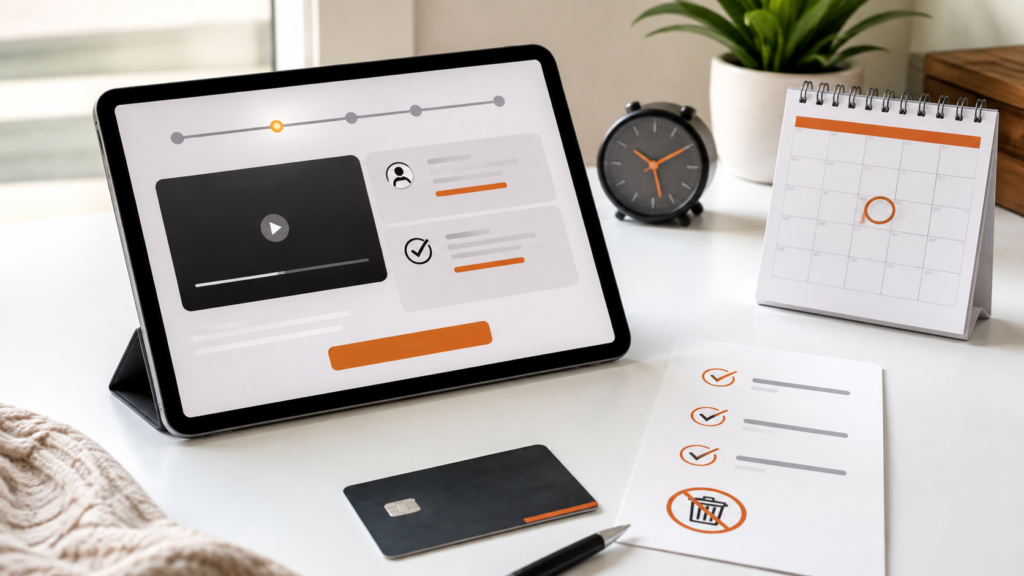
Paid tiers are more likely to include downloads, but availability, expiration, device limits, and travel rules differ. Free services usually focus on connected viewing and may not permit offline storage.
- Check whether downloads are included in the selected tier.
- Confirm which phones or tablets support them.
- Review how long downloaded items remain available.
- Check whether the device must reconnect periodically.
- Verify storage requirements and quality settings.
- Read travel and regional availability rules.
Households with internet data caps should also estimate monthly use. Several hours of high-resolution streaming each day can consume far more data than occasional standard-definition viewing.
Do not confuse an app’s “save” or favorites feature with a local download. A saved item may only create a bookmark and still require an internet connection for playback.
Review the Decision Every Three Months
Streaming value changes as catalogs rotate, prices change, devices age, and household schedules shift. A quarterly review prevents unused paid plans from continuing automatically and helps identify whether free alternatives now cover the same routine needs.
- List every active paid subscription and its next renewal date.
- Check actual use during the previous thirty days.
- Identify free services used regularly and the advertising tradeoff.
- Review new prices, tiers, and device requirements on official pages.
- Cancel unused plans through the documented process.
- Save confirmations and check later statements.
Do not cancel a service needed by another household member without checking shared use. Profiles and viewing history can reveal value that the billing account owner does not personally see.
The goal is not to minimize subscriptions at any cost. It is to maintain a lawful mix whose price, advertising, support, privacy, and catalog match current needs.
Compare Search, Recommendations, and Discovery
Large catalogs have little value when users cannot find relevant content. Compare text search, voice search, genre filters, recently watched rows, favorites, parental controls, and the ability to remove unwanted recommendations.
Free services may emphasize scheduled channels and ad-supported discovery, while paid services may invest more heavily in profiles and personalized suggestions. Either model can become confusing when recommendations favor promotion over the household’s real interests.
- Search for three exact titles and three broad topics.
- Test voice recognition with ordinary phrases.
- Check whether results identify included, rented, and unavailable items clearly.
- Verify that each household profile maintains separate history.
- Look for controls to remove an item or reset recommendations.
- Confirm that sponsored rows and advertisements are recognizable.
Discovery should shorten the route from intent to playback. A service that requires several apps or hides whether an item costs extra creates friction regardless of its subscription price.
Frequently Asked Questions
Is free streaming really free?
Legitimate free services do not charge a subscription fee, but they may show ads, collect permitted usage data, require an account, or offer paid upgrades. Review the operator and privacy policy.
Is paid streaming always ad-free?
No. Many paid tiers contain advertising, and live content may retain commercial breaks. Check the exact tier description and exceptions.
Does a paid subscription include every channel?
No. Content depends on licensing, location, plan, and current agreements. Avoid services that promise universal access without clear rights.
Which option has better picture quality?
Either model can support high quality. The actual result depends on the plan, title, device, display, connection, and delivery conditions.
Can I use free and paid services together?
Yes. A hybrid approach can cover routine viewing with lawful free services and add paid access only when its content or features are needed.
What should I check before paying?
Check rights, operator identity, devices, simultaneous streams, ads, total cost, renewals, cancellation, refunds, privacy, and support.
Are annual plans always cheaper?
They may have a lower effective monthly price, but they create a longer commitment. Confirm compatibility and terms before paying annually.
Does the player app provide content?
No. A player organizes and plays authorized sources. Content, rights, guide data, and account permissions come from the connected service.