
Before starting a streaming service trial, verify the exact end date and time, whether it renews automatically, the price and plan charged after the trial, the cancellation method, refund conditions, and supported devices. Then use a written test plan for login, playback, EPG, simultaneous screens, Wi-Fi, Ethernet, and support. Save the offer and cancellation confirmation.
A trial is useful only when it answers a purchasing question. It should test real household compatibility, not simply demonstrate that an app opens for a few minutes.
Table of Contents
Table of Contents
Understand What Kind of Trial Is Offered
Streaming trials use several billing models. Identify the model before entering payment information because “trial,” “test,” and “introductory plan” do not create the same obligation.
| Offer type | Typical structure | Main check |
|---|---|---|
| Free trial | No initial charge, may auto-renew | Renewal date and price |
| Paid short trial | Small upfront charge for limited time | Whether it renews automatically |
| Money-back period | Full plan charged first | Refund eligibility and process |
| Introductory discount | Reduced first billing period | Standard price afterward |
| Device demo | Limited features or content | What differs from the paid plan |
“A trial should reveal fit, price, and exit terms before commitment.”
Do not describe a refund window as a free trial if payment is captured immediately. The customer needs to know which amount is charged, when it is charged, and what action is required to recover it.
Read the Offer Before Entering Payment Details
Capture the offer page, selected plan, final price, and terms before checkout. Marketing copy can change, while the saved confirmation establishes what the user saw at enrollment.
Terms That Must Be Clear
- Trial length in hours or days.
- Exact start event, such as signup, activation, or first login.
- Time zone used for the deadline.
- Features, devices, and connections included.
- Price and duration after the trial.
- Automatic-renewal behavior.
- Cancellation steps and required notice.
- Refund eligibility after charge or activation.
The FTC advises consumers to look for clear cancellation information before providing card details. If the method is missing or difficult to understand, do not enroll until the terms are available.
Confirm the Exact Trial Deadline
“Three days” can mean seventy-two hours from signup, the end of the third calendar day, or another deadline defined in the terms. Record the date, clock time, and time zone instead of relying on memory.
- Read the confirmation email immediately.
- Write the trial start time.
- Calculate the stated end time using the provider’s time zone.
- Set a personal decision deadline earlier than the official cutoff.
- Save any reminder or renewal notice.
Apple’s subscription support advises users who do not want a free or discounted trial to renew to cancel at least twenty-four hours before it ends. Other services may use different rules, so follow the actual operator’s terms.
Do not wait until the final minute. Device clocks, email delays, account verification, and support hours can turn a simple cancellation into a disputed charge.
Verify Device Compatibility Before Testing Content
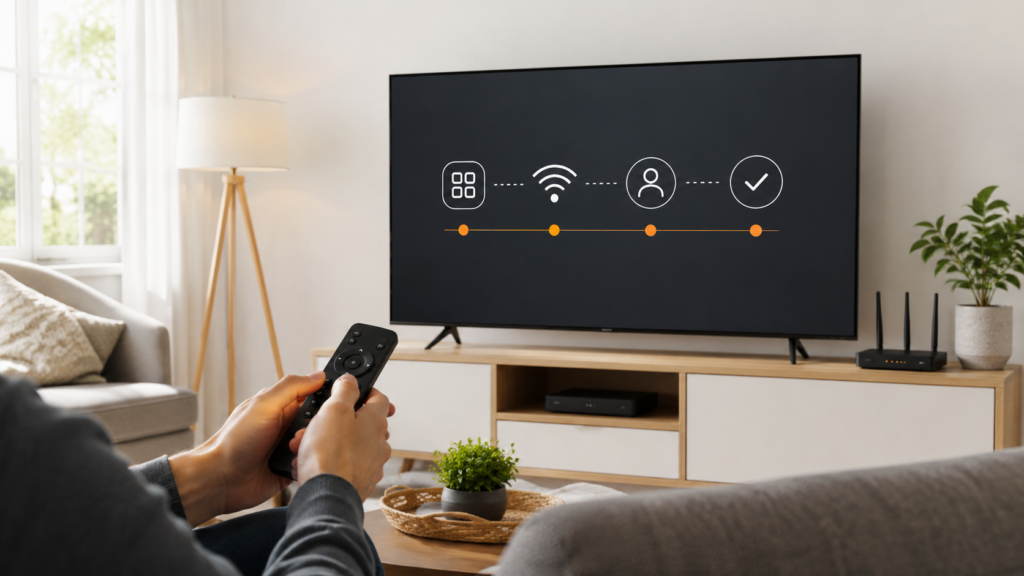
The first test is whether the official app or player runs on the household’s primary device. Record the television model, operating-system version, app-store availability, and free storage.
| Device | Compatibility test |
|---|---|
| Smart TV | Install, navigate, sign in, restart, and reopen |
| Fire TV | Check official app, storage, remote, and network |
| Android TV | Verify Play Store listing and system support |
| Phone or tablet | Test supported OS, Wi-Fi, and normal mobile behavior |
| Computer | Test supported browser, login, picture, and sound |
Do not use the entire trial troubleshooting an unsupported television. If the service documents an external device as the compatible route, decide whether buying that hardware is acceptable before evaluating a longer plan.
Use the Smart TV streaming setup guide to complete a repeatable installation test.
Test Login and Account Recovery
Enter the access information carefully, then restart the player to confirm that the session remains available as intended. Test password recovery or account assistance only through official channels.
- Confirm the correct account email or username.
- Keep app-store credentials separate from service credentials.
- Generate a fresh browser activation code when required.
- Verify the account page shows the selected plan and trial end.
- Confirm support can identify the order without asking for unsafe information.
A support team may need an order reference, account email, device details, and exact error. It should not need a full payment-card number or a password.
If the app shows an error, use the authentication failed streaming app guide. A login problem must be solved before content quality can be evaluated.
Test Normal Playback Conditions
Test at the time and place where the household normally watches. A trial conducted beside the router at noon may not represent a distant television during the evening peak.
- Play several authorized items or streams, not just one.
- Test the normal television and an alternate supported device.
- Compare Wi-Fi with Ethernet when possible.
- Check HD first and 4K only when the device, plan, and content support it.
- Observe startup time, stability, picture, sound, and remote response.
- Repeat during typical household traffic.
No trial can prove that buffering will never happen. It can show whether the current device, connection, application, account, and support process work under representative conditions.
If buffering appears, follow the twelve-check diagnostic instead of drawing a conclusion from one feed.
Test the EPG and Everyday Navigation
A player can open video while its guide, search, favorites, or history remains incomplete. Test the everyday interface because that is where long-term convenience appears.
- Refresh the playlist and EPG once.
- Check whether current guide times match the device clock.
- Inspect several categories and channel mappings.
- Add and remove favorites.
- Test search with common titles or categories.
- Exit and reopen without losing the setup.
The player displays guide data supplied by the authorized source. It does not create schedules or provide channels by itself.
Use the EPG troubleshooting guide to separate blank data, time shifts, stale caches, and mapping problems. Report sample entries rather than saying only that the guide is wrong.
Test Simultaneous Connections
If the trial advertises more than one connection, run the exact number of permitted streams on supported household devices. Confirm what happens when a stream stops and another begins.
| Test | What it proves |
|---|---|
| One stream on each primary device | Basic device compatibility |
| Two or more at the same time | Connection permission and network capacity |
| Stop one and start another | Session release behavior |
| Restart a device | Whether a stale session remains |
| Mix HD and 4K | Household bandwidth under expected use |
Distinguish a connection-limit message from buffering. The first concerns account permission; the second concerns delivery, network, app, or device conditions.
The multi-device streaming plan guide explains how to count recurring simultaneous screens.
Evaluate Support During the Trial
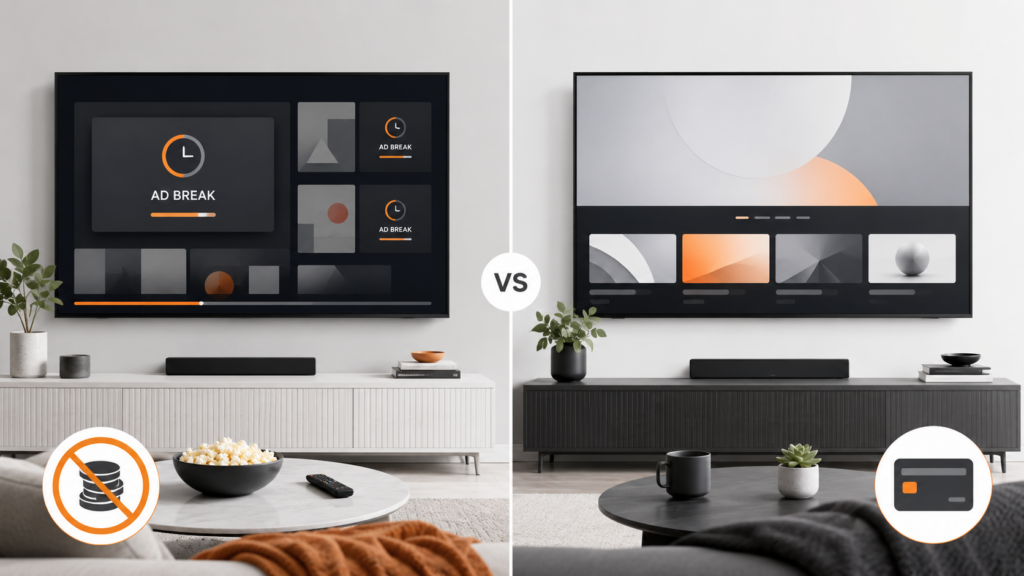
Ask one genuine, specific question through the published support channel. Measure whether the response is clear, secure, device-aware, and consistent with the written terms.
Useful Support Test Questions
- Which official player is supported on this exact TV model?
- How should the EPG be refreshed without deleting the account?
- What does the plan’s connection count permit?
- Where is the cancellation confirmation shown?
- Which conditions qualify for a refund?
Do not manufacture problems simply to test response time. A normal setup question reveals whether the instructions are specific or copied from a generic script.
Support after purchase matters because device updates, expired sessions, guide changes, and household additions can create new questions even after an initially successful setup.
Check Privacy, Security, and Payment Handling
Use an official app store, a secure checkout page, and a payment method that provides normal transaction records. Review the privacy policy and requested app permissions.
- Confirm the checkout uses HTTPS and identifies the seller.
- Keep the receipt and transaction reference.
- Do not send payment-card images through chat.
- Do not install unknown modified players or disable device security.
- Review whether viewing data is used for recommendations or advertising.
- Use unique account credentials when user-created passwords are supported.
A trial should not require unrelated permissions or access to personal contacts. Question any request that does not match a clear player or account function.
Google explains that Play Protect checks Android TV apps and devices for harmful behavior. Official distribution does not eliminate all risk, but it provides a more accountable installation route.
Understand Cancellation and Refund Differences
Cancellation stops future renewal according to the service’s terms. A refund returns an eligible charge; canceling does not automatically make a past payment refundable.
| Action | Purpose | Evidence to keep |
|---|---|---|
| Cancel trial | Prevent conversion or next renewal | Confirmation screen and email |
| Request refund | Ask for return of an eligible charge | Policy, order, reason, request time |
| Remove app | Delete software from a device | Does not prove account cancellation |
| Sign out | End a device session | Does not stop billing |
The FTC recommends keeping a copy of cancellation requests and monitoring account statements afterward. Follow the provider’s official cancellation route rather than assuming that deleting the app is enough.
Read the refund policy before purchase. Record deadlines in the time zone stated by the seller.
Use a Written Trial Scorecard
| Area | Pass condition | Result |
|---|---|---|
| Compatibility | Official app works on primary devices | Pass / Needs review |
| Login | Access succeeds and can be recovered | Pass / Needs review |
| Playback | Representative content works normally | Pass / Needs review |
| Network | Stable under typical household load | Pass / Needs review |
| Guide | EPG loads and time is correct | Pass / Needs review |
| Connections | Advertised concurrent use is clear | Pass / Needs review |
| Support | Setup question receives a useful answer | Pass / Needs review |
| Terms | Renewal, cancellation, and refunds are clear | Pass / Needs review |
A scorecard prevents one impressive feature from hiding a serious weakness. A service that plays well but cannot explain renewal or support is not fully tested.
Decide based on the primary household use case. A minor feature that nobody uses should not outweigh reliable operation on the main television.
Streaming Trial Case Study
A household wants a twelve-month, two-connection plan but begins with a short trial. It installs the official player on a Smart TV and Fire TV, tests both during the evening, refreshes the EPG, and runs two simultaneous HD streams.
The Smart TV works, but the older Fire TV lacks storage and repeatedly closes the app. Support explains the supported version and the household frees space before a second test, which then succeeds.
The users save the plan total, refund policy, and cancellation path. They choose three months instead of twelve because the setup is new and the annual savings do not yet justify the longer commitment.
The trial changed a purchasing decision through evidence. It did not promise every future stream would be perfect, but it verified the normal devices, network, guide, connection count, and support process.
Test the Final Paid Tier, Not an Unrelated Demo
A trial may exclude connections, quality levels, guide features, support, or content that differ from the paid tier. Compare the trial feature list with the exact plan under consideration.
| Feature | Trial question | Paid-plan question |
|---|---|---|
| Connections | How many can play now? | How many are included after renewal? |
| Resolution | Is HD or 4K enabled? | Does the selected tier retain it? |
| EPG | Is guide data available? | Is the same source included? |
| Support | Which channel handles setup? | Does support change after purchase? |
| Duration | When does testing end? | What billing period begins next? |
A successful one-device demo does not prove that a two-connection household plan works. Ask for a trial that represents the intended device and capacity, or treat untested features as unresolved risk.
Create an Evidence Folder During the Trial
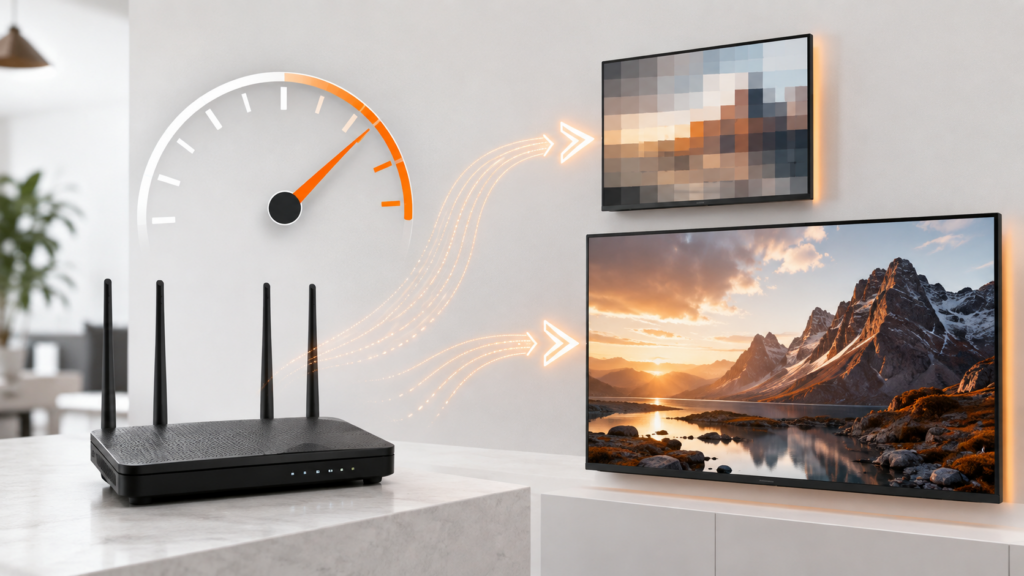
Keep the offer, order receipt, setup instructions, trial deadline, support messages, test scorecard, and cancellation or purchase confirmation together. Use filenames that include dates so the sequence remains clear.
- Offer page showing the selected trial and renewal price.
- Terms and refund policy available at enrollment.
- Receipt or transaction reference.
- Device models and official app listings tested.
- Error screenshots with private information hidden.
- Support replies and ticket numbers.
- Cancellation or paid-plan confirmation.
Evidence is useful when the service works as well as when it fails. A record of the tested app, devices, and settings makes later setup faster after an update or device replacement.
Do not store plain passwords, activation tokens, playlist addresses, or full payment details in the folder. Use a secure password manager for sensitive credentials.
Make the Buy or Cancel Decision Systematically
Decide before the personal deadline, not during the final hour. Review the scorecard and separate critical failures from preferences.
Critical Purchase Conditions
- The official app works on every primary device.
- Login and account recovery are understandable.
- Representative playback is stable under normal conditions.
- The EPG and navigation meet everyday needs.
- The connection limit matches recurring household overlap.
- The final price and renewal schedule are affordable.
- Cancellation, refunds, privacy, and support are clear.
If a critical condition remains unresolved, cancel according to the written process and preserve confirmation. Do not extend the decision merely because setup time has already been spent; past effort does not improve future fit.
If the trial passes, choose the shortest plan consistent with confidence. An annual commitment should follow proven use, not only a larger discount.
Recheck the First Paid Invoice
If the household continues after the trial, compare the first paid receipt with the saved offer. Confirm the amount, plan duration, connection count, renewal date, taxes, and any add-on.
Report a discrepancy promptly through the verified billing channel and keep the ticket number. Do not send a full payment-card image or account password to prove the charge.
Set a review reminder before the next renewal and retain the cancellation instructions. The first successful payment does not remove the need to monitor future terms, device fit, support quality, and actual use. A trial decision becomes a responsible subscription only when the ongoing billing record matches what was accepted.
Streaming Service Trial Final Checklist
streaming service trial: Quick Reference
- Identify whether the offer is free, paid, refundable, or discounted.
- Save the plan, included features, and final price.
- Record the exact end time and time zone.
- Confirm automatic-renewal behavior.
- Read cancellation and refund terms.
- Install the official app on every primary device.
- Test login, recovery, and restart behavior.
- Test representative playback during normal household use.
- Refresh and inspect the EPG.
- Test the advertised simultaneous connection count.
- Ask support one real setup question.
- Review privacy, security, and payment records.
- Complete a written scorecard before the decision deadline.
- Keep the cancellation or purchase confirmation.
A streaming service trial should answer whether the plan fits the household’s devices, schedule, network, expectations, and budget. Clear terms and useful support are part of the product, not details to examine only after payment.
Frequently Asked Questions
What should I check before starting a streaming trial?
Check the exact duration, time zone, included features, devices, connections, renewal price, auto-renewal, cancellation, refund policy, privacy, and support.
Does deleting the app cancel the trial?
Usually not. Removing software does not necessarily cancel the account or stop billing. Use the official cancellation process and save confirmation.
Can a free trial charge me automatically?
Some free trials convert to paid subscriptions unless canceled under the disclosed terms. Read the renewal details before enrolling.
When should I cancel a trial?
Follow the operator’s exact deadline and allow time for processing. Set a personal decision reminder earlier than the official cutoff.
What devices should I test?
Test every primary household device that will actually be used, especially the main television and any second simultaneous screen.
What streaming quality should I test?
Start with the normal quality the household expects. Test 4K only when the plan, content, connection, display, and device all support it.
Is cancellation the same as a refund?
No. Cancellation usually prevents a future charge or renewal, while a refund returns an eligible past charge under the written policy.
What support should a trial include?
Useful support should clarify installation, login, device compatibility, EPG, connection limits, and billing terms through a verified channel.