
If you are searching for buy IPTV Ireland, the first decision is not which subscription sounds cheapest. It is whether the service actually works in the Republic of Ireland, provides the television content you are authorised to receive, supports your device, and clearly explains what you will pay. Those details matter far more than an impressive channel count.
This buyer’s guide explains IPTV subscriptions, simultaneous connections, compatible playback devices, broadband requirements, pricing questions and common setup problems. It also shows you what to verify before paying for any IPTV service. If you are considering Digital Lizard IPTV, you can inspect its published pricing plans, setup instructions and frequently asked questions before deciding whether to proceed.
Important for Ireland-based customers: Confirm with the seller that the service can be supplied in Ireland, that your desired content is licensed for that market, and that your chosen payment method is accepted. The general website material reviewed for this guide does not independently establish those facts.
Quick answer: what should you check before buying IPTV in Ireland?
Before purchasing, confirm seven things: content authorisation, availability in Ireland, your device and player, number of simultaneous streams, full price and currency, support arrangements, and cancellation or refund terms. Do not infer the availability of a specific Irish channel, film or sports event merely because a subscription is marketed as IPTV.
Table of Contents
Table of Contents
What an IPTV subscription actually includes
IPTV stands for Internet Protocol Television. It refers to television delivered using internet networking rather than a conventional aerial or satellite feed. It is a delivery technology, not a guarantee about the origin or licensing status of the content. Legitimate TV products can use internet delivery, but unlawful retransmissions also exist. For that reason, focus on which business supplies the streams and which rights it holds.
There are often three distinct pieces of a working arrangement:
- The internet connection: your home broadband, Wi-Fi or other usable network.
- The player application or device: the software that displays a compatible stream and its interface.
- The content subscription: the account that supplies access to particular authorised programming.
Purchasing a player application does not automatically buy a television subscription. Equally, having a subscription does not mean that every app, television operating system, or model year can use it. Check the app’s regional availability, accepted login format, remote-control support and any independent app licence fee before committing.
Device count versus simultaneous connections
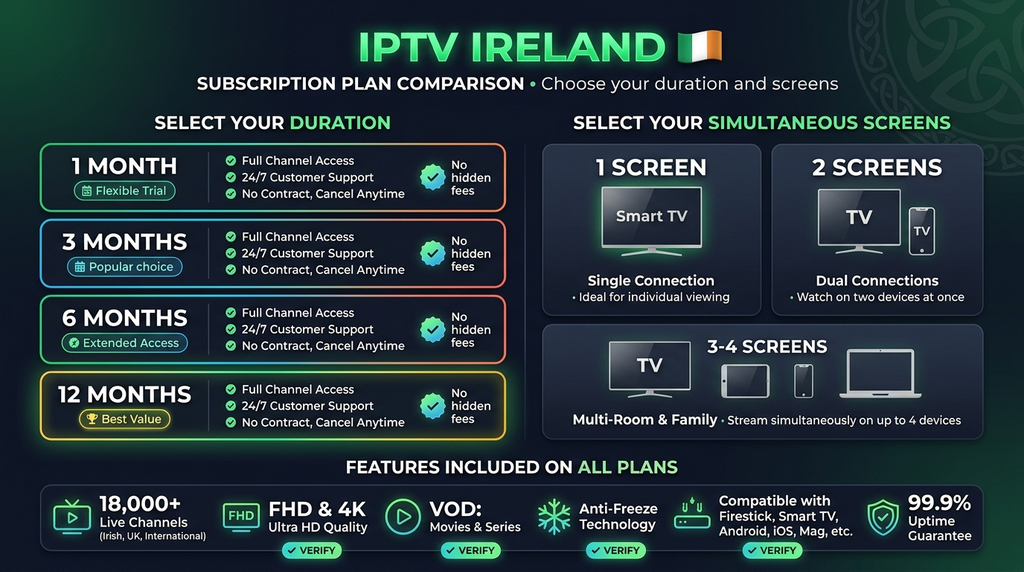
A common misunderstanding is that owning five devices means you need five active connections. What matters is how many devices will play video at the same moment. If you watch on the living-room TV and later continue on a phone, those are two devices used at different times. If your family watches on both at once, that is two simultaneous streams.
| Household viewing pattern | Likely concurrent need | What to confirm |
|---|---|---|
| One TV used at a time | One connection | Whether you may switch registered devices |
| TV and phone watching together | Two connections | That two simultaneous streams are included |
| Two TVs and a tablet at once | Three connections | Per-device and simultaneous limits |
| Multiple rooms with varied usage | Count peak overlapping sessions | Whether the selected tier actually supports that count |
This is a planning example, not a statement about any particular seller’s device-switching policy.
How to choose an IPTV plan for an Irish household
Start with the equipment you already own, not the longest contract. For a first purchase, a shorter paid term generally reduces the amount committed while you establish whether the setup meets your needs. That does not mean a short term has a statutory refund right in every situation; read the contract.
One month or a longer period?
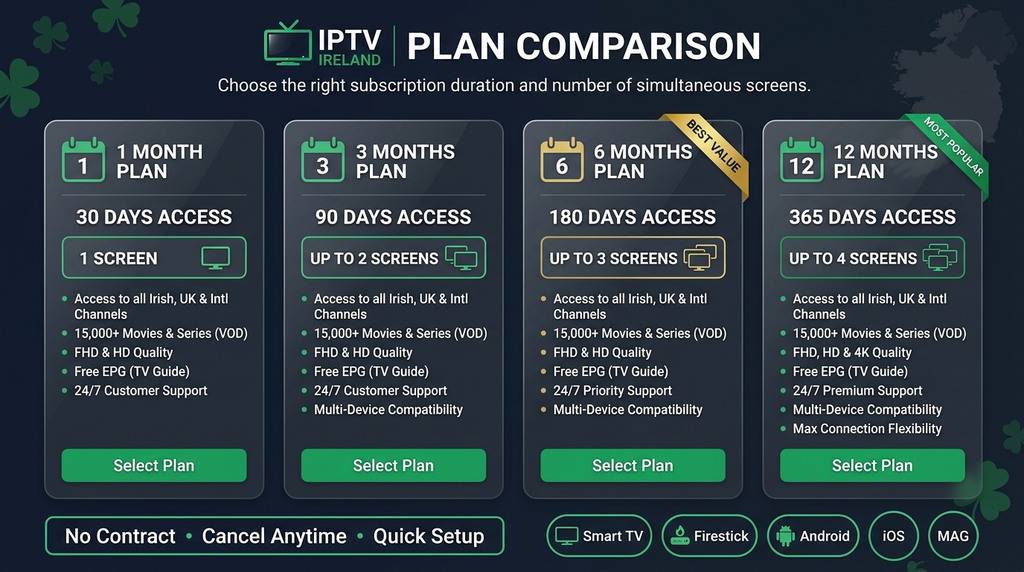
A monthly term can be useful when you are testing compatibility, customer support and reliability in normal viewing conditions. A three- or six-month term means fewer renewals but a larger advance payment. A 12-month term has the longest payment commitment. Compare the total payable now, not only an advertised monthly equivalent.
When choosing a subscription duration, ask:
- Does the connection allowance stay the same throughout the term?
- Is renewal automatic or manual?
- What is the total charge including currency conversion or card fees?
- Which parts of the service, if any, are contractually guaranteed?
- What happens if an app is removed from your device’s app store?
- Can you get human support for account and configuration problems?
The currency matters for buyers in Ireland
Ireland uses the euro. If a website displays US-dollar prices, your card issuer may convert the amount and may apply its own charges. Never assume that a dollar amount and euro amount will match. The final checkout total and applicable terms are the numbers to evaluate.
Digital Lizard IPTV published plan options
Digital Lizard IPTV currently publishes the following one-connection US-dollar prices on its pricing page. These are displayed website figures checked on 20 November 2026, not independently verified Ireland-specific offers.
| Subscription duration | Displayed price | Concurrent streams in listed example | Important note |
|---|---|---|---|
| 1 month | $16 | 1 | Check Irish service availability and checkout total |
| 3 months | $36 | 1 | Check renewal and cancellation conditions |
| 6 months | $55 | 1 | Confirm device compatibility first |
| 12 months | $75 | 1 | Verify authorisation and terms before a longer commitment |
The published page also references 1–5 connections as a choice. It does not show a complete verified Ireland-specific price grid for every connection count in the material reviewed. Therefore, if you need two or more streams, select the exact option on the subscription page and inspect the final amount before payment.
Do not treat this table as proof that a subscription can be activated in Ireland or that any particular programme is licensed for Ireland. Request confirmation of both points before ordering.
Which devices can you use?
Your starting point should be the exact hardware model and operating system, not simply the brand printed on the television. An app available on one Samsung or LG model may not exist for another, and a TV app may differ from the version made for Android phones.
| Device category | Practical check before you buy |
|---|---|
| Samsung or LG Smart TV | Verify the specific TV model and availability of a compatible app in your regional app store |
| Android TV or Google TV | Find a trusted TV-optimised player that accepts your subscription format |
| Amazon Fire TV | Verify Fire OS version and a supported installation route for your model |
| Apple TV | Check for a compatible tvOS player, not merely an iPhone app |
| Android phone or tablet | Check app-store availability, account login type and screen size |
| Laptop or desktop | Ask which supported application or web interface the seller actually offers |
Digital Lizard has device-specific setup guidance for Smart TVs, Fire TV, Android and Apple TV. Consult that guide before choosing a long term. Installation support is not a promise that every individual device model or player version will work.
Do you need a new TV box?
Not necessarily. If your current television can run a compatible app, additional hardware may be unnecessary. A separate streaming device is an option when the built-in TV software no longer gets updates or a needed app is absent. Verify the device’s operating system and app availability before buying hardware. Avoid devices sold with unknown software or unverified preloaded content: a hardware purchase does not itself confer distribution rights.
What to ask about a player application
Ask which login method the player supports, whether a separate player licence is payable, and whether the developer supports your operating system. Keep credentials private and do not send account passwords through public comments. Use an established app store or the developer’s verified distribution channel whenever possible.
How fast should your internet be?
A fast advertised broadband package is not the same as a stable connection to the television. The important measure is usable download speed at the playback device, particularly during busy evening hours.
Ireland’s communications regulator ComReg provides an illustrative broadband guide listing 5–10 Mbps for HD video streaming and 25–35 Mbps for Ultra HD video streaming. These are generic usage estimates, not promises about Digital Lizard or any IPTV supplier. See ComReg’s broadband information brochure.
A reliable setup benefits from:
- Strong Wi-Fi coverage or Ethernet where supported.
- Enough spare bandwidth for the other people online at home.
- An up-to-date device and properly maintained player.
- A connection tested at the actual TV location, not only beside the router.
- Realistic expectations: stream bitrate and network congestion vary by service and programme.
For example, two simultaneous HD streams may consume materially more bandwidth than one, while large downloads or video calls can compete for available capacity. No single Mbps figure guarantees uninterrupted streaming across every provider.
Your pre-purchase checklist
Before selecting a plan, use this sequence:
- Identify the seller. Find a working business contact, intelligible terms, and a real support channel.
- Verify rights. Ask whether the seller has authority to offer the specific content you want in the Republic of Ireland. If the answer cannot be substantiated, do not assume it is lawful.
- Confirm geography. Ask whether the subscription is actually supplied and supported in Ireland, including any travel restrictions.
- Check your model. Record your Smart TV, Fire TV, Android TV or Apple TV model, and the compatible app.
- Count real simultaneous use. Buy the connection count you need during peak household viewing.
- Check the invoice total. Confirm currency, taxes where relevant, payment type, renewal rules and app fees.
- Read the refund and support terms. Know the contact route, request window and conditions for assistance.
- Keep the order record. Save your receipt and support correspondence securely.
For Digital Lizard, start with its published plans, read its FAQs, and examine the refund and terms pages linked in its site footer. Those pages should be checked again at the point of purchase because conditions can change.
How to set up a compatible IPTV player
The basic process below applies only after you have a legitimately obtained, supported subscription and a compatible player. The exact menu names depend on the app.
Step 1: Connect and update your device
Connect your television or streaming device to your broadband network. Install ordinary firmware and security updates. Test whether other legitimate internet apps function normally.
Step 2: Install a compatible player
Check your device’s official app store or an independently verified developer source. Confirm the player is designed for the correct platform. For a TV, a remote-friendly interface matters much more than a phone app’s appearance.
Step 3: Select the appropriate account format
Open the player’s account-addition screen. Depending on the player and authorised service, it may ask for a server address, username and password, or another account format. Do not assume every subscription uses the same method.
Step 4: Enter details exactly
Copy account details carefully, avoiding additional spaces. Do not publish credentials in a review, screenshot or support forum. If you suspect credentials were exposed, contact the seller for account support.
Step 5: Wait for initial synchronisation
Some applications need time to load the available catalogue and programme information. If the app does not connect, verify the account format and device connection before changing random settings.
For screenshots and platform-specific instructions, use the Digital Lizard setup guide.
Troubleshooting common playback problems (buy IPTV Ireland)
Video interruptions are not always evidence that the broadband provider is at fault. Troubleshooting should isolate the cause rather than immediately changing equipment.
| Symptom | Possible explanation | First useful check |
|---|---|---|
| App will not open | Unsupported or outdated app | Update through the legitimate distribution channel; check OS support |
| Login rejected | Mistyped credentials, wrong account format or inactive account | Recheck exact details; contact support without posting the password publicly |
| Buffering on one device | Weak local Wi-Fi or device limitations | Test another app and move closer to router or use Ethernet |
| Problems on all devices | Broadband or account/service issue | Test regular web browsing and ask provider support |
| Playback stops when another TV starts | Concurrent connection limit may have been reached | Verify the purchased simultaneous-stream allowance |
| Catalogue missing | Account or synchronisation issue | Refresh within supported app controls and contact support |
| App requests an upgrade fee | Separate player-app licence | Check the official app developer’s terms before paying |
A useful two-device test
Where permitted by the subscription terms, try the same supported account first on one television, then separately on a second compatible device. If it works on one but not the other, investigate device-specific support. If neither works, check internet availability and the account’s status. Do not bypass a seller’s connection limits or access controls.
Is IPTV legal in Ireland?
IPTV technology itself is not inherently illegal. The issue is whether the person or business transmitting programmes has permission to do so, and whether the customer is receiving that content through an authorised arrangement. Copyright rules and contractual restrictions matter. The Irish Copyright and Related Rights Act provides the underlying legal framework.
Irish enforcement reporting shows that illegal retransmission services have been targeted, so a professional website, payment form or working playback app should never be considered proof of a lawful content licence. See RTÉ’s 2026 coverage of warnings to suspected suppliers.
Digital Lizard’s inspected public pages do not independently verify programme-by-programme rights for Ireland. Buyers should ask for substantiation before purchasing access to any particular protected broadcast. This article does not assert that Digital Lizard possesses, or lacks, licences that have not been verified.
What consumer protections apply?
Ireland’s Competition and Consumer Protection Commission explains rights when buying digital content and services, particularly from traders based in Ireland or elsewhere in the EU. Exact remedies and cancellation treatment depend on the contract and circumstances; they should not be simplified into an unconditional refund guarantee. Consult the CCPC guidance on digital content and services and the seller’s own refund terms before paying.
Frequently asked questions
Can I buy IPTV in Ireland for a Smart TV?
You may buy an authorised internet-delivered television subscription that is actually offered in Ireland and compatible with your television. Before paying, confirm the specific TV model, app availability, content rights and account format. A generic ‘Smart TV compatible’ claim is insufficient.
Can one subscription work on two TVs?
That depends on whether the subscription allows two simultaneous streams. A single-connection plan should not be assumed to permit two TVs playing at once. Compare your household’s peak usage with the published connection allowance.
Is an IPTV player the same as a subscription?
No. The player is software used to display compatible content; the content subscription is separate. Some players charge their own licence fee, and a player purchase does not supply broadcasting rights or a channel package.
What if a subscription displays prices in US dollars?
Check the final payment amount and any currency conversion charged by your card provider. Ireland uses the euro, but an international seller may advertise in another currency. Do not interpret a US-dollar amount as a fixed euro price.
Does a longer plan always offer better value?
Not necessarily. A longer term can reduce its monthly equivalent but increases what you commit upfront. The value depends on compatibility, lawful content availability, contract terms and support, not the division of price by months alone.
Can I watch over Wi-Fi instead of Ethernet?
Yes, if the service and device support your network and the signal is adequate. Wi-Fi performance depends on interference, router location and competing devices. Ethernet can help isolate local wireless problems but is not mandatory for every setup.
Is every IPTV subscription legal in Ireland?
No. IPTV is a neutral delivery method; the legality of the actual service depends on its content permissions and how it operates. Verify rights and terms rather than relying on price, channel-count claims or third-party testimonials.
How can I decide whether Digital Lizard is suitable?
Review the pricing plans, setup guide and FAQs. Ask the seller to verify Irish availability and authorisation for the content you want, and confirm the precise checkout amount and cancellation conditions before paying.
Final buying decision
The most useful approach to buy IPTV Ireland is to verify what you will actually receive before selecting a contract. Check content permissions, Irish availability, device compatibility, simultaneous connection count, full payment and support terms. Then consider duration. A lower headline price is not a substitute for those checks.
Considering Digital Lizard IPTV? Compare its published subscription plans and check setup requirements. Proceed with an order only when the seller has confirmed that the particular service and content are authorised and available for your location.